

Connections
An active connection represents a customer’s permission to associate the MoonPay account to your application so you can:- List and manage payment methods in your UI
- Get quotes that include detailed fees and customer limits
- Execute payments (for example, Apple Pay or debit cards) without redirecting the customer
- View and track transaction history
Read the connect a customer guide for
implementation details.
Frames
The integration uses a combination of API calls and frames. For steps that have compliance or regulatory requirements, you render an embedded frame (a WebView in mobile apps and an iframe on the web). This keeps sensitive data out of your application while MoonPay manages compliance. There are two types of frames: co-branded and headless. Both communicate with your app usingpostMessage (on web and mobile). Each frame has its own lifecycle events and message patterns, documented in the frames overview. You can manage frames yourself, or use the SDK for drop-in frame setup and event handling.
Co-branded frames
Co-branded frames render MoonPay-hosted UI that you can theme to match your application. They are designed for contextual rendering in modals or sheets. A typical example is the MoonPay login flow used when a customer connects their account.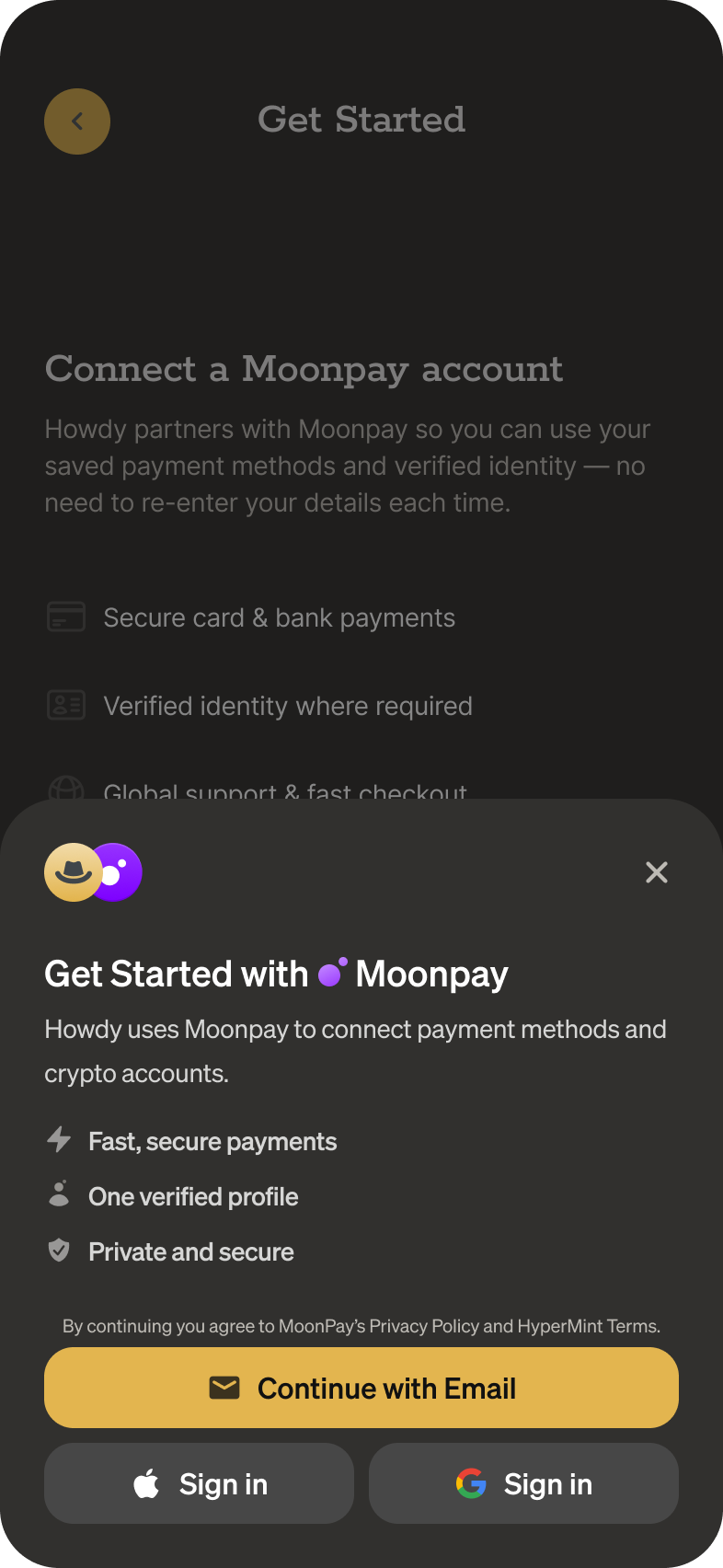
Headless frames
Headless frames are either invisible or display minimal, non-customizable elements such as an Apple Pay button. You can inline these frames wherever needed in your UI.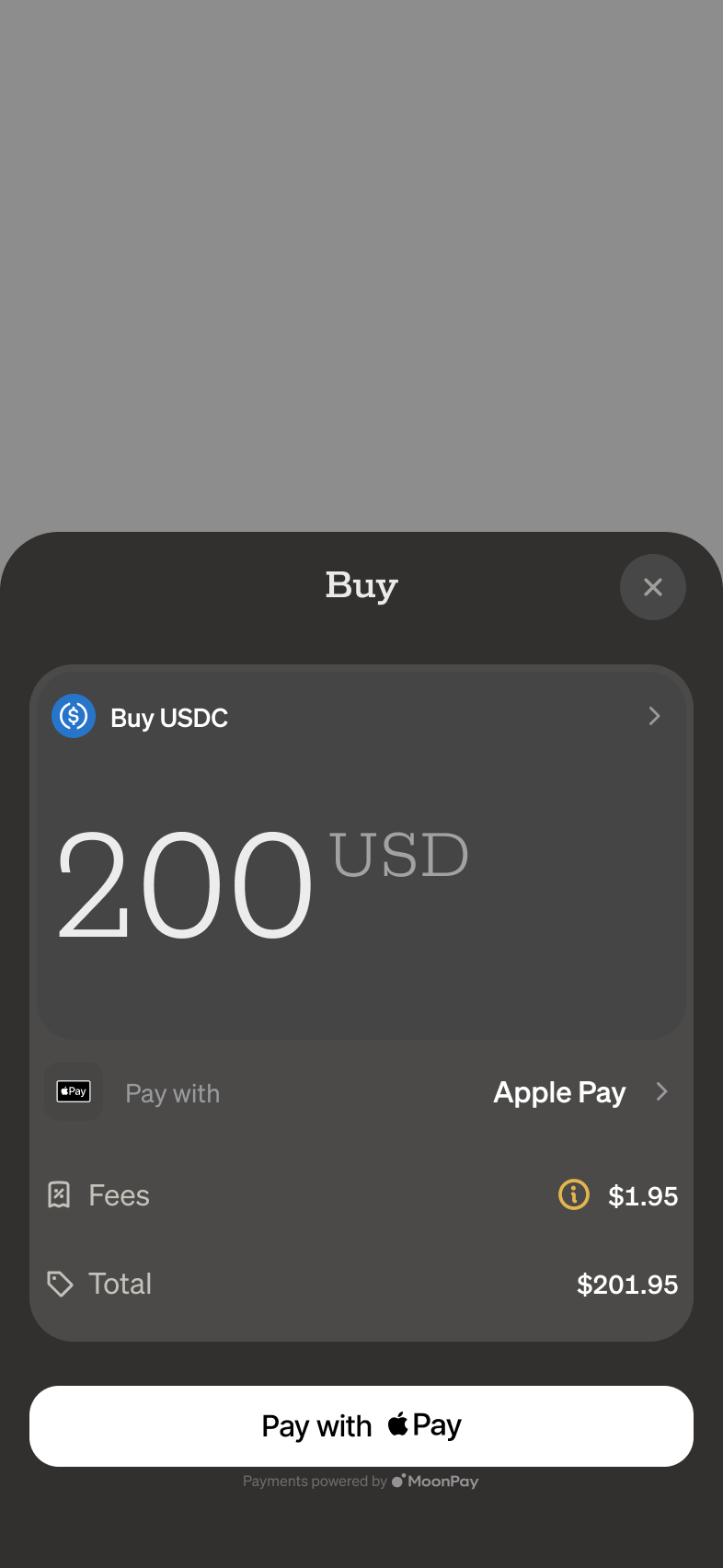
Challenges
Challenges complete specific tasks that require upgraded authentication, identity verification, or connection updates. Common cases include:- Authentication upgrades (required for sensitive or destructive actions)
- Identity verification (Know Your Customer, KYC)
- Strong Customer Authentication (SCA), such as 3D Secure, where the customer’s bank requires additional verification
Customer
A customer is a person using your app who can have a connected MoonPay account.KYC
When opening an account, MoonPay performs Know Your Customer (KYC) checks to meet financial compliance requirements and help prevent fraud and money laundering. By default, this happens in a themeable co-branded frame.KYC SharingComing soon!
If you already capture KYC information using a provider like SumSub or Persona, you can use their sharing capabilities to simplify onboarding. You can also share MoonPay-verified KYC data with other services in your app, like setting up a debit card.Quotes
Quotes provide real-time prices and fees for fiat-to-crypto purchases. There are two types: price quotes and executable quotes.Check the quotes API reference for
detailed usage.